This sprint focused on the character profile. The underlying work abstracts properties so edges, powers, and magic items can affect derived statistics according to what they do. The current pass is focused on derived statistics; later passes will extend the same model to properties that increase skills or attributes.
Character ownership also moved from the room to the player. Players no longer need to be in a room to create or edit SWADE characters, while the first GM view of room characters is now available as a read-only overview that preserves profile ownership.
Character profiles
Player profile editor and creator
The profile is now close to a full character generator. The goal is to hide the complexity required to make the character work while keeping the table-facing view quick to scan. Most information appears as stacked static cards with one edit action, with a small number of cards adapting that pattern where the interaction needs it.
Identity card
The identity card holds the character name, displayed action-card name, concept, background, and Wildcard status.
Notes and quests
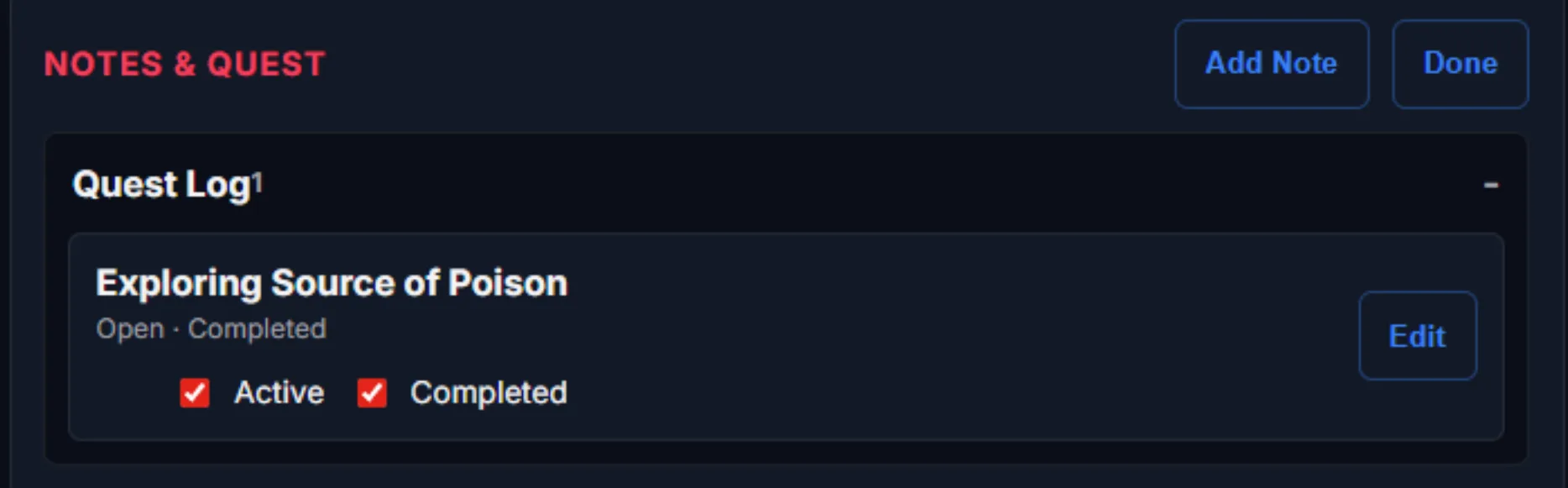
Notes support active and completed states and can be collapsed through an accordion. A changed card is marked in red, and edits need to be completed before saving so work is not accidentally discarded while moving through the profile.
Attributes
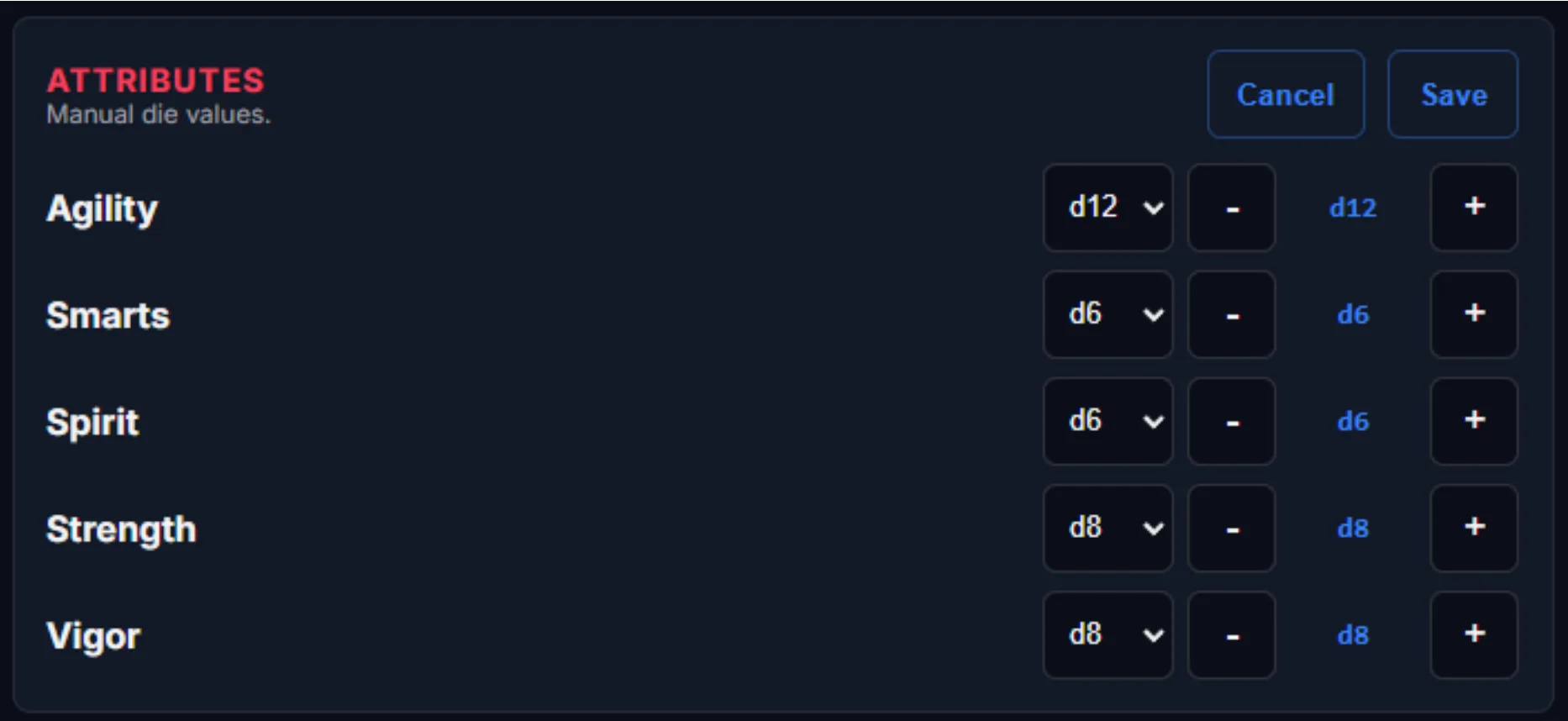
The attributes card has a compact view-only mode and an editable version. The current interface is deliberately utility-first, with traditional clickable dice shapes left as a possible future refinement.

Skills
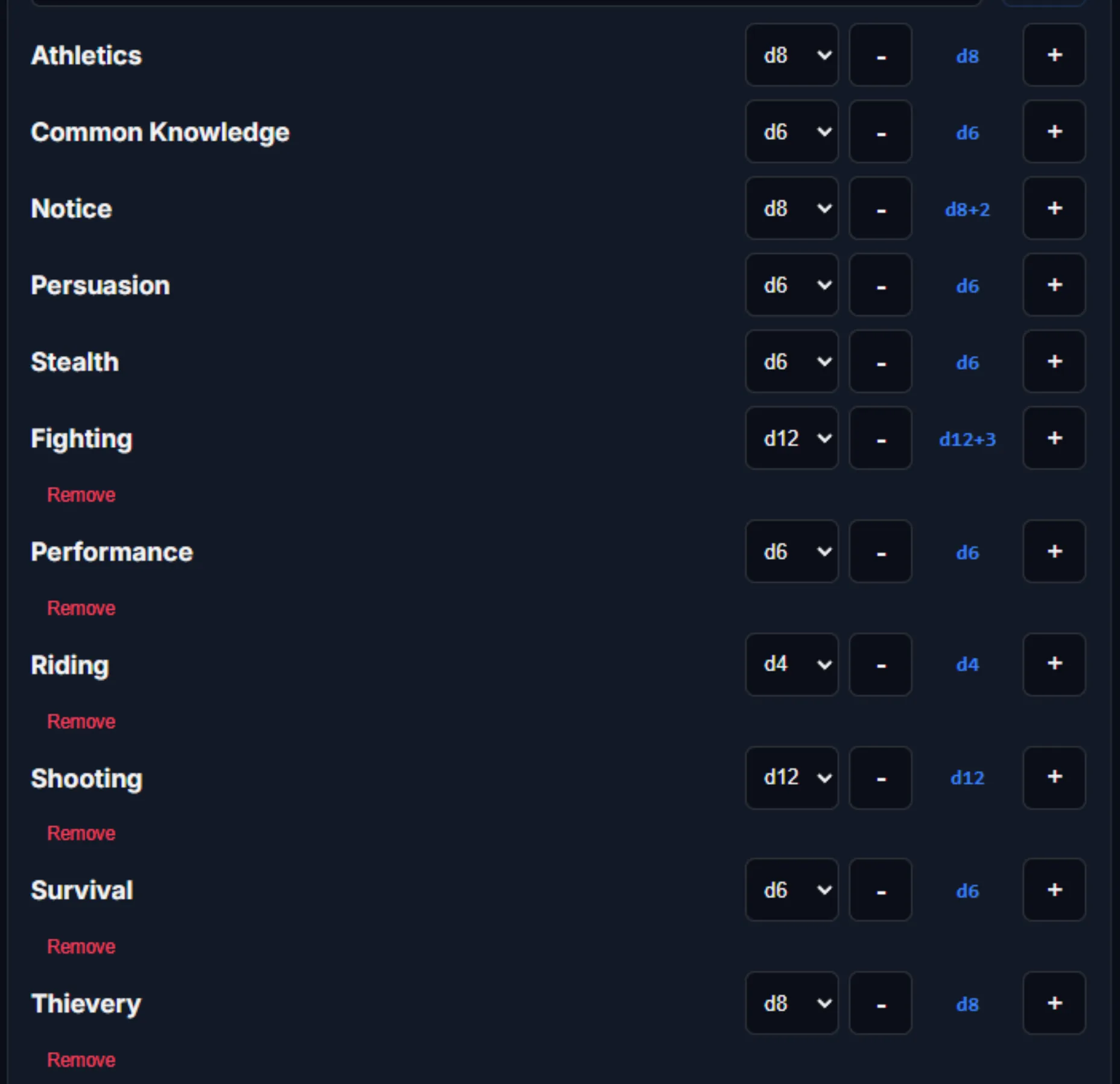
Skills use the same compact pattern and scale between desktop and phone. New characters begin with the five core skills at d4, with clickable dice shapes remaining a possible later interaction.

Derived statistics
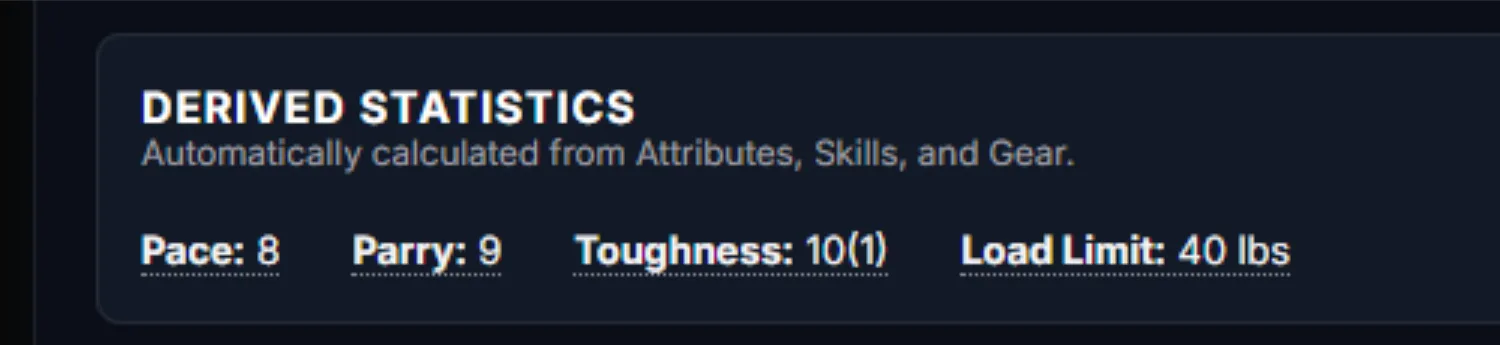
Derived statistics are non-editable fields. They calculate from the rules and from properties applied to items and edges, giving the profile a reliable source of truth for values such as Pace, Parry, Toughness, and Load Limit.

Equipment systems
Weapons, armor, and shields
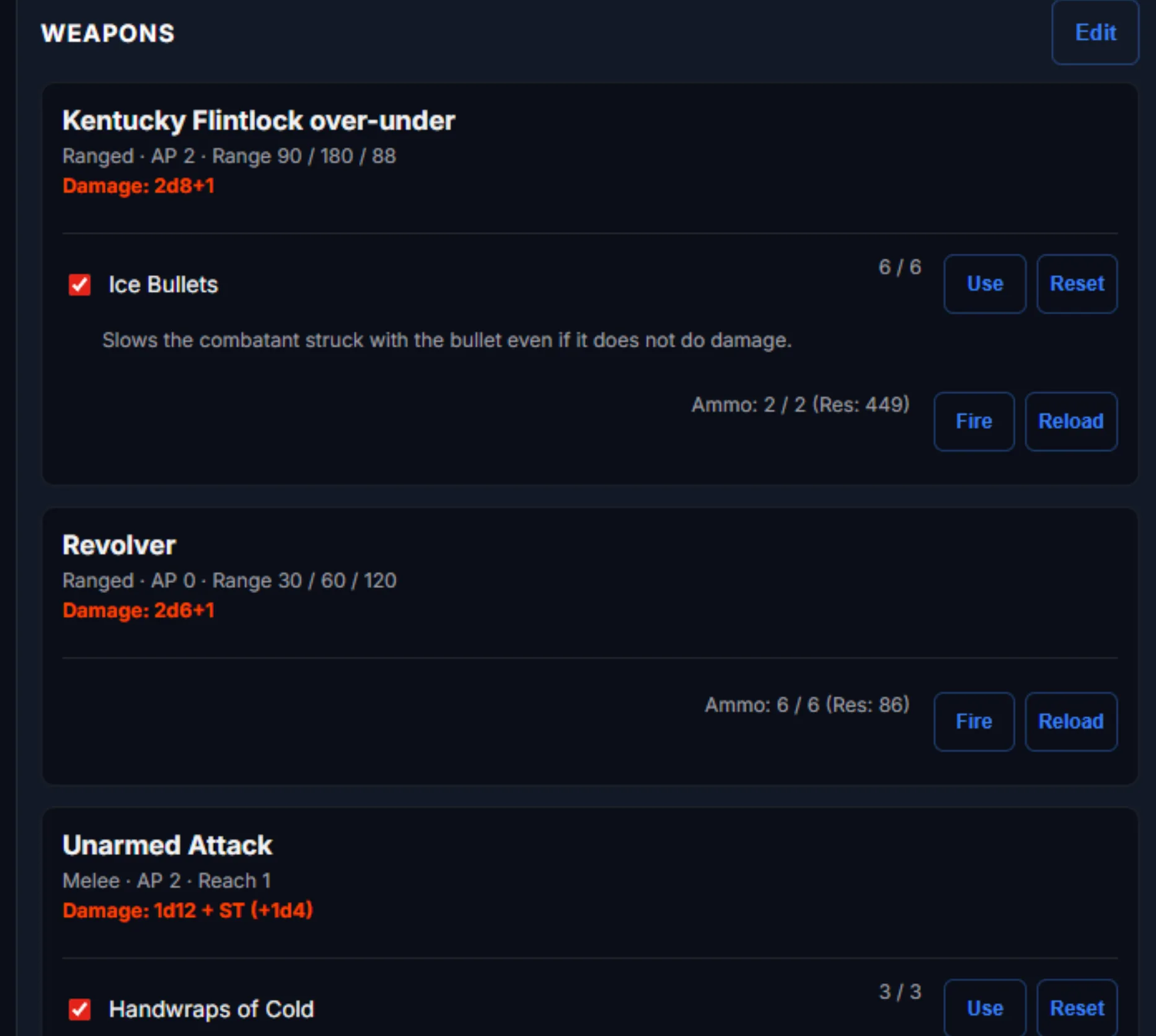
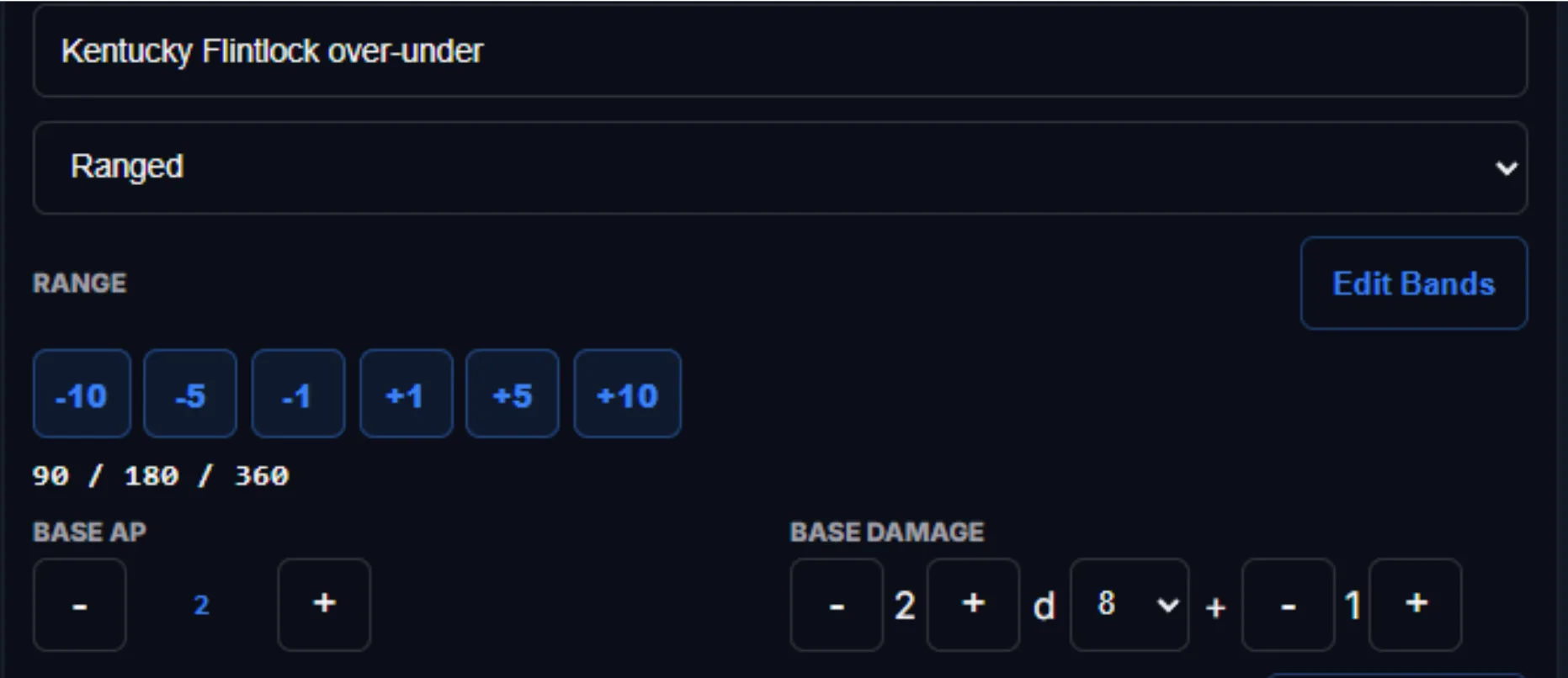
Equipment is where the property system starts to become visible. Weapons support range bands, damage formulas, armor penetration, manual range adjustments, utility effects, derived-statistic changes, charges, and campaign-style ammunition tracking.
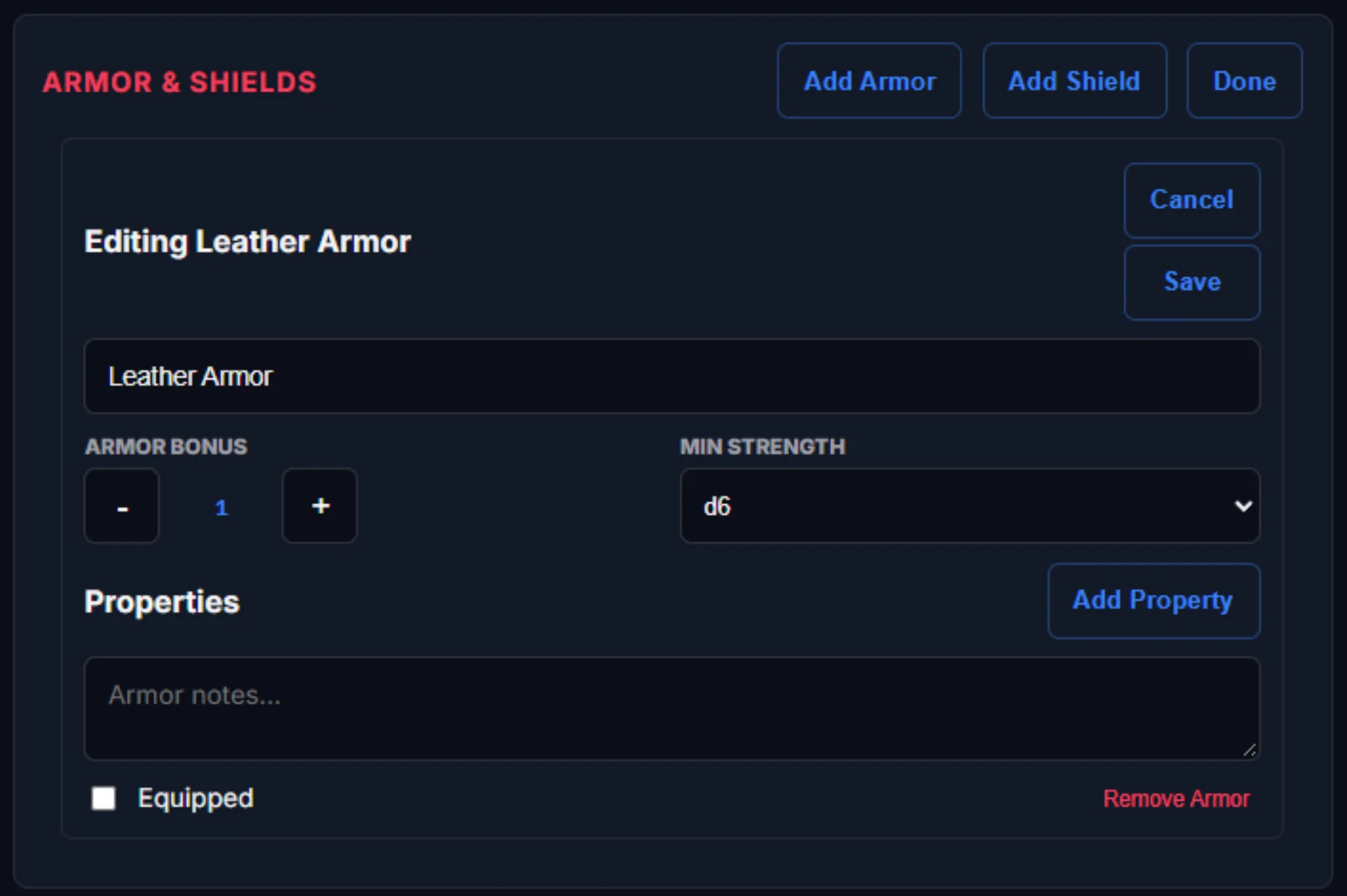
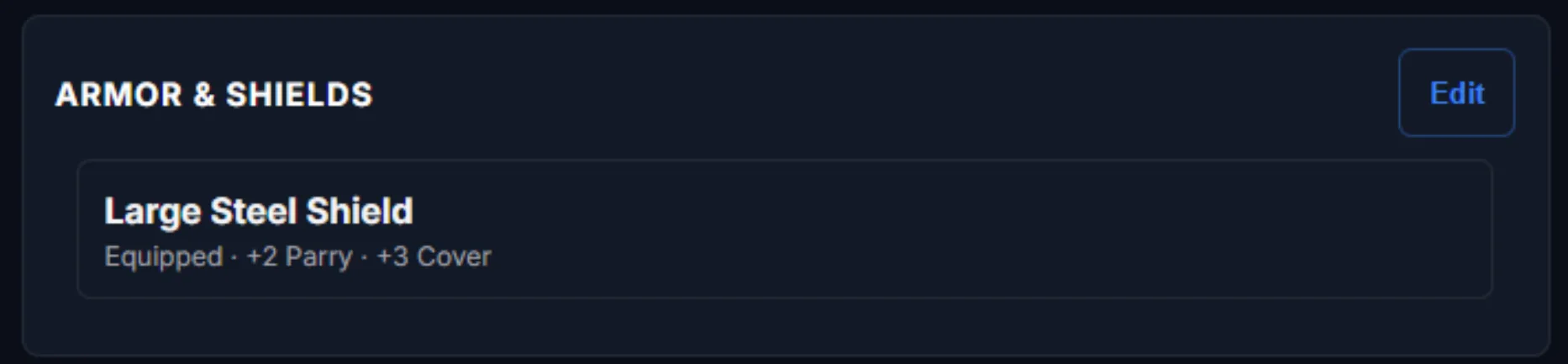
Armor tracks its name, armor bonus, description, and optional properties. Equipped armor appears with Toughness automatically. Shields similarly modify Parry and can provide a cover modifier when the take-cover action is used.
Character abilities
Powers with room to grow
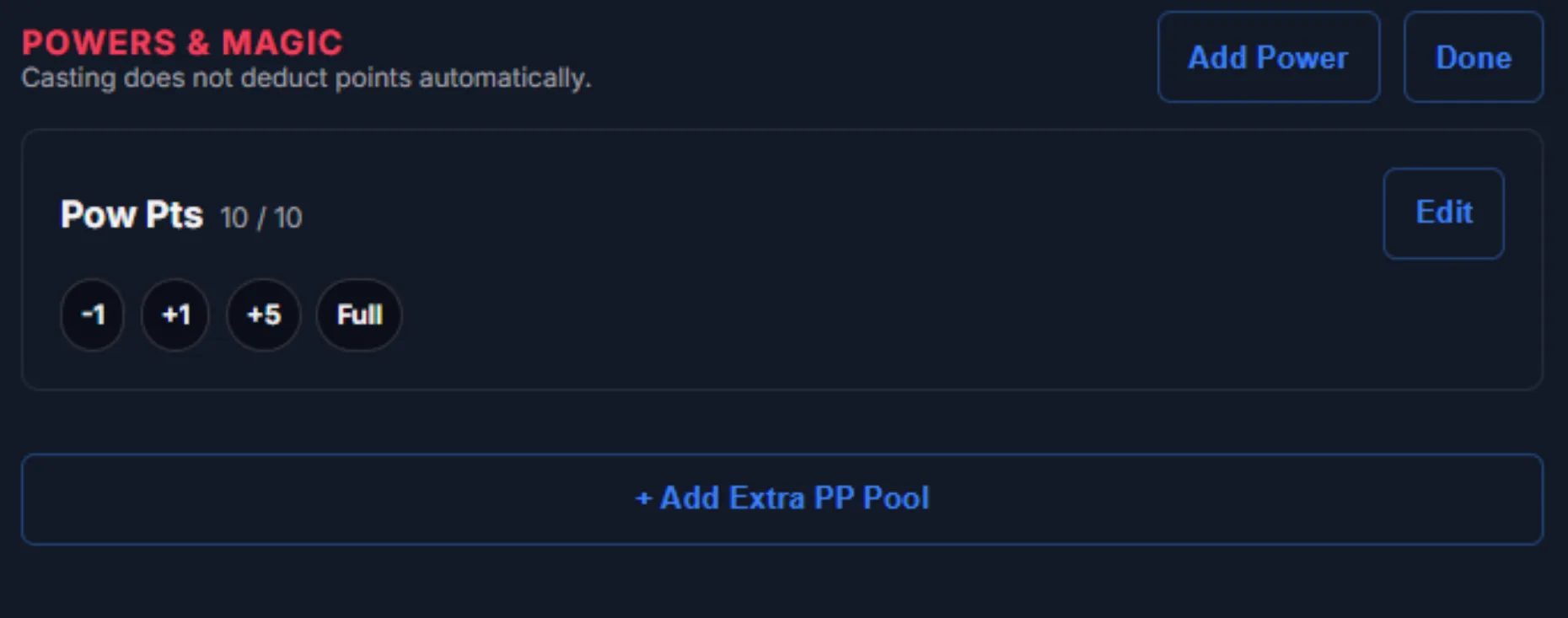
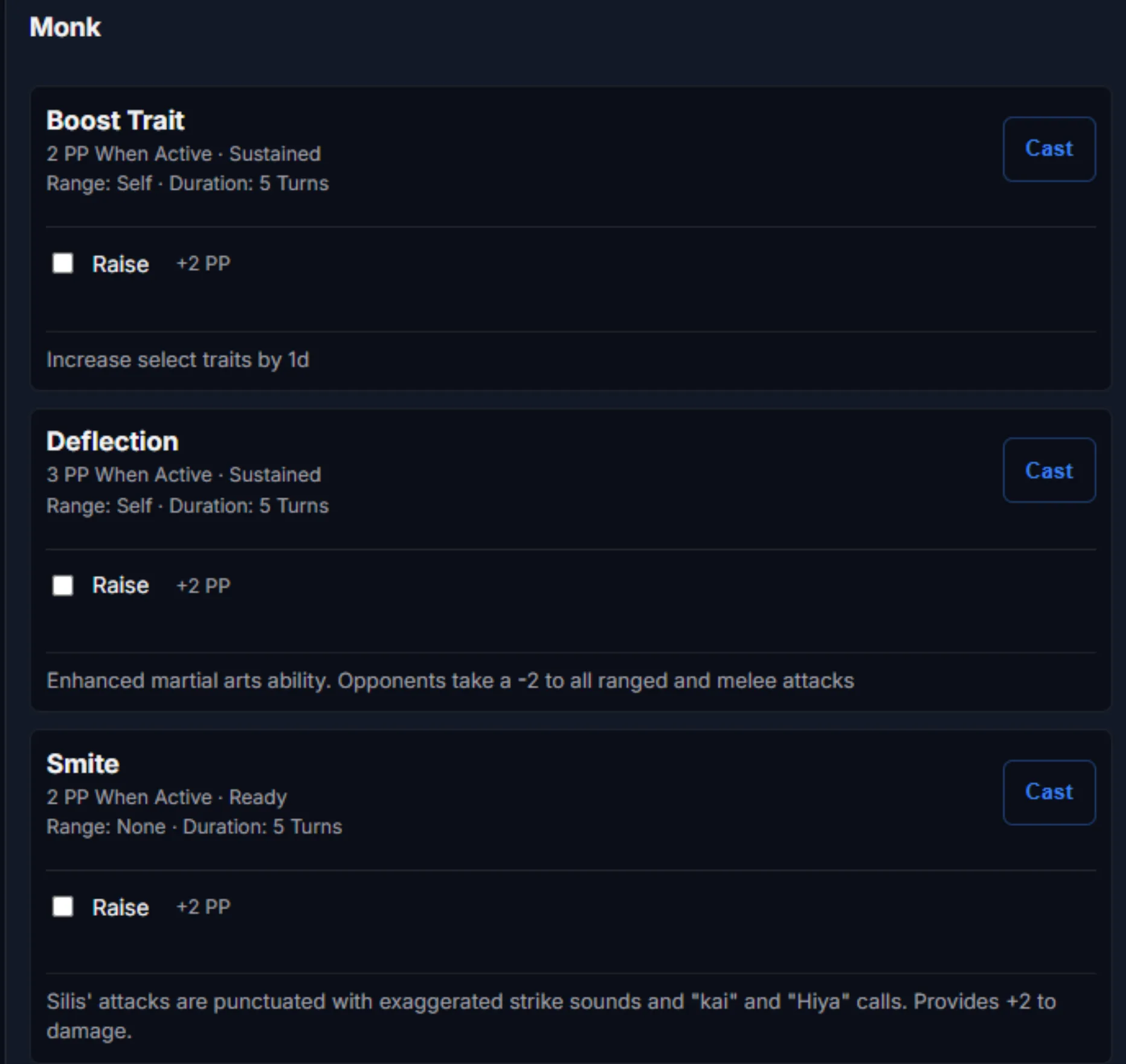
Powers are designed to support both standard book entries and personal enhancements. Additional power-point sources can be added for staves, gems, or different arcane backgrounds. Casting deducts from the primary pool, while alternate pools remain a manual adjustment for a later pass.
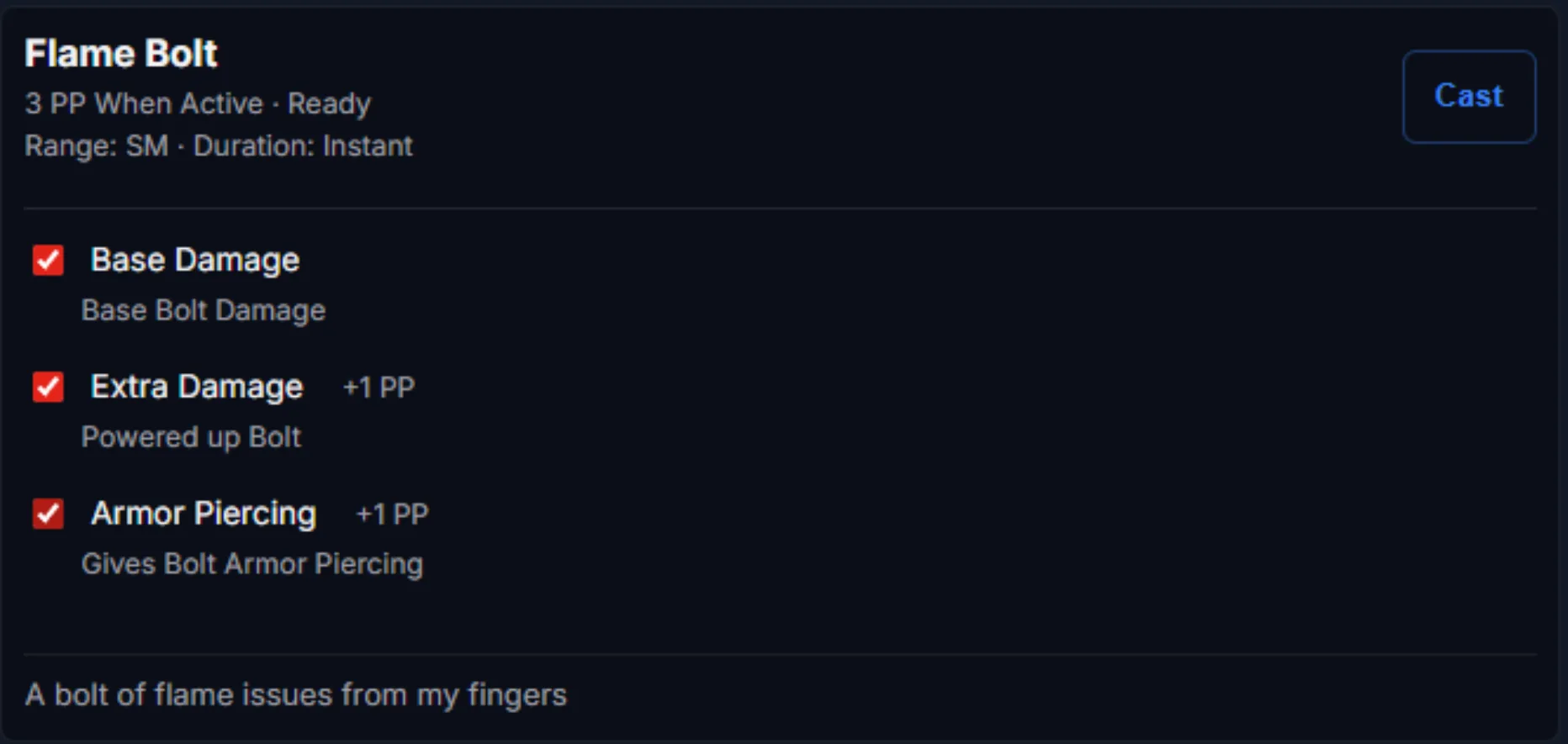
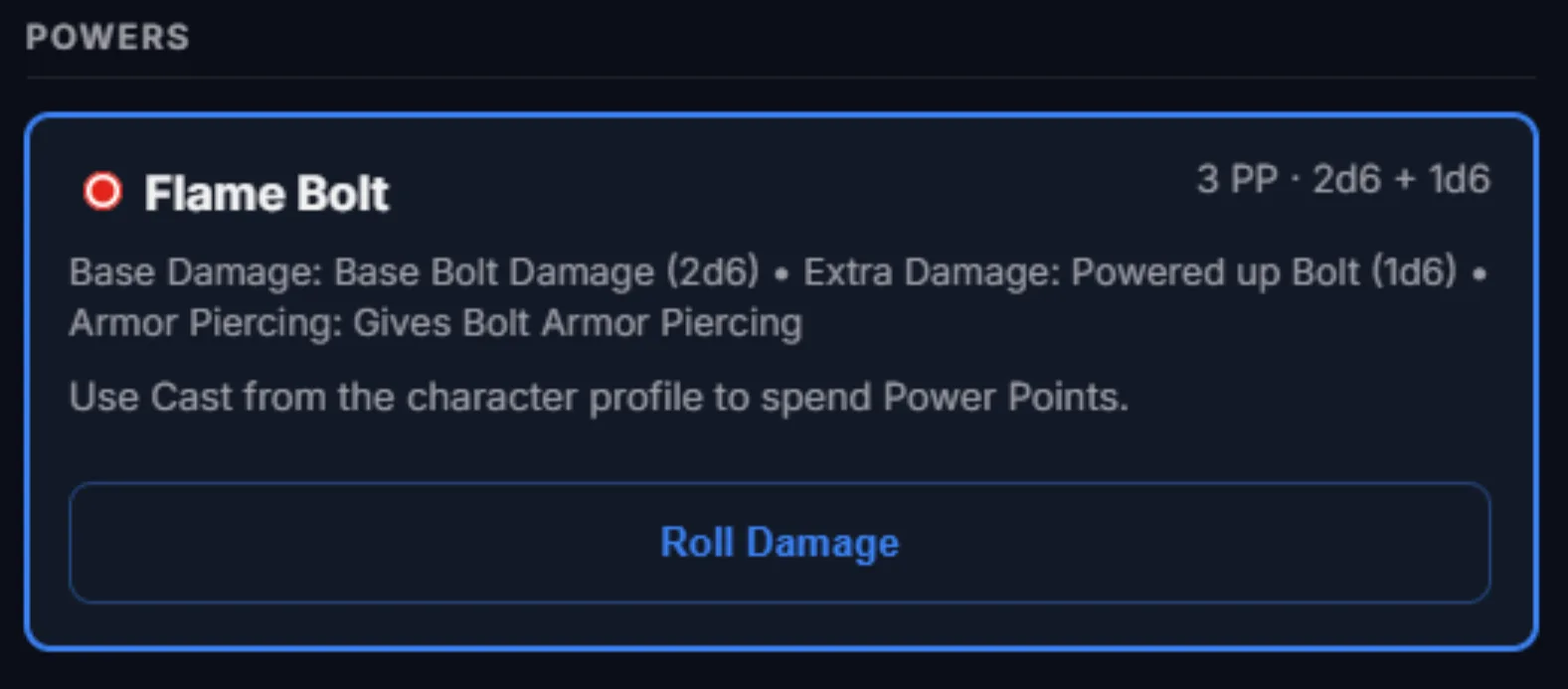
When properties are selected for a power, the application can automatically create a damage macro for use during the session.
Character organization
Inventory and edges
Inventory and equipment are intentionally straightforward for now. Items can be grouped into collapsible categories, and every item accepts properties, leaving room for campaign-specific gear such as a diamond ring of toughness.
Edges and Hindrances remain primarily narrative until they begin affecting statistics. Initiative and combat edges already have dedicated support, while properties provide a path for Pace, Parry, Toughness, and Load Limit. Skill and attribute bonuses from edges are planned for a later pass.
Rules abstraction
The property manager
The property manager is the foundation for customizing gear and characters without hard-coding every edge, power, or item into the application. It currently supports utility descriptions, added damage, replacement or created base damage, Pace, Parry, Toughness, and Load Limit.
The system can filter properties based on what is being edited, and it is designed to grow into skill and attribute bonuses as new use cases are identified.
GM oversight
The Overlord view
A powerful character editor needs a useful GM view. The Profile Overview gives the GM a read-only, high-level look at every character in a controlled room, including the basics and the properties currently applied. Character profiles remain optional: a player can still join as a simple initiative placeholder and play without building a full profile.
That finishes the current iteration of character profiles. The next passes will continue refining the editor and expanding what properties can affect. Thanks to everyone on this journey with LoreForge Works.
Send feedback